Bold text generator: how Unicode fonts work (and why some apps break)
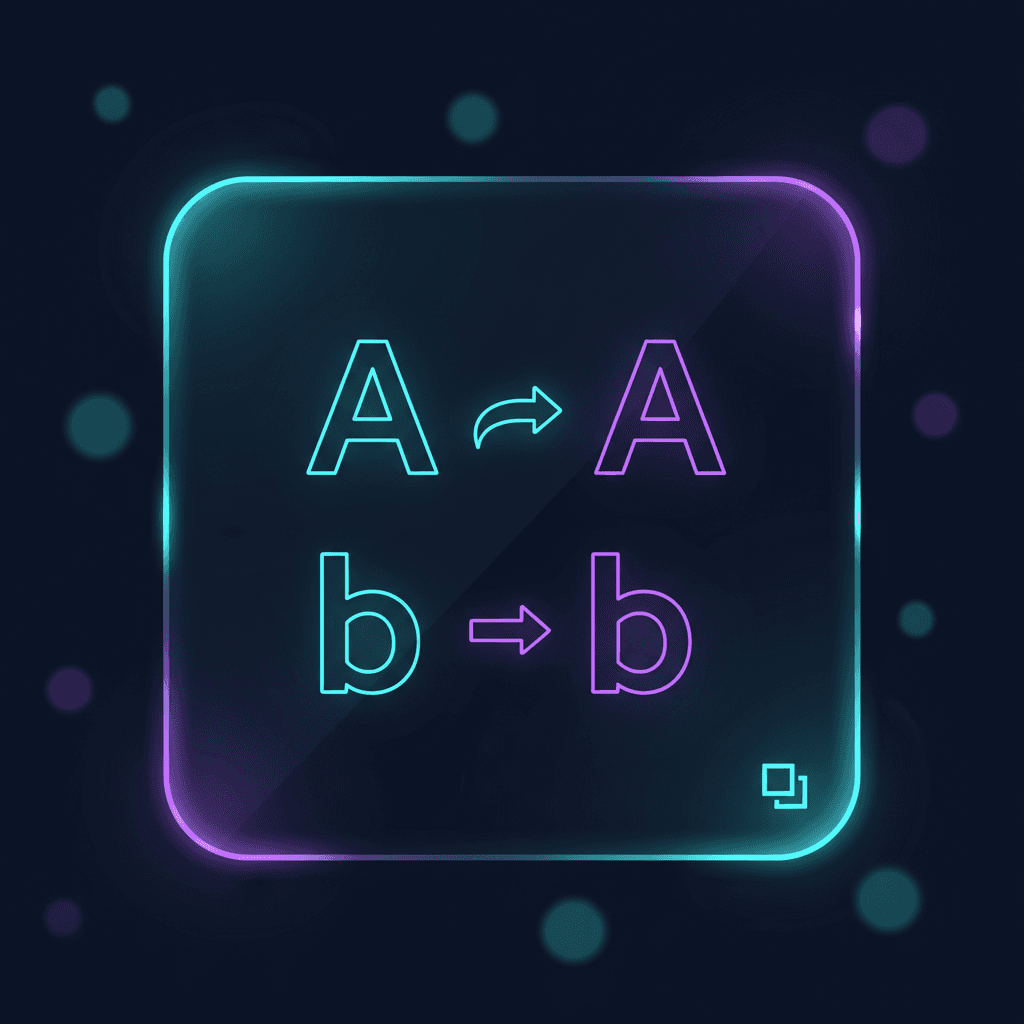
Bold text generators do not add formatting like a word processor. They swap normal letters for different Unicode characters that look bold.
That is why the output works in places that do not support rich text (bios, captions, chats). It is also why some apps treat it strangely.
Start here:
- Open the bold text generator.
- Paste your text and copy the bold version.
- If you want a different style, try the italic text generator or bubble text generator.
Bold Unicode is not the same as "make this text bold"
When you click Bold in a document editor, the underlying text stays the same and the styling changes.
With a Unicode bold generator, the underlying text changes. For example:
Sale ends Friday
becomes:
𝗦𝗮𝗹𝗲 𝗲𝗻𝗱𝘀 𝗙𝗿𝗶𝗱𝗮𝘆
Those bold-looking letters are different code points, which leads to the trade-offs below.
Where bold text generators work well
- Social bios and captions: Quick emphasis without images.
- Chat headers: Make one line stand out in Discord, Slack, or SMS.
- List labels:
𝗧𝗢𝗗𝗢,𝗡𝗢𝗧𝗘𝗦,𝗨𝗥𝗚𝗘𝗡𝗧as visual anchors.
Why some apps break (or behave differently)
Search and copy behavior can change
Because the characters are different, some search boxes will not match bold Unicode against normal ASCII text. Copy/paste can also surprise you if a system normalizes text behind the scenes.
If you need text to be searchable in a database, a codebase, or a CMS, keep it plain.
Where you should avoid bold Unicode
Bold Unicode is still plain text, but it is not "normal" plain text. Avoid it in places where exact matching matters:
- passwords, API keys, and tokens
- URLs and domain names
- email addresses and usernames
- code, commands, and config
- legal or safety-critical instructions
If you are not sure whether a system accepts it, keep the original text and test a short sample first.
Some fonts do not support the characters
If the platform's font does not include the bold Unicode glyphs, you may see missing boxes or fallback characters.
Only some characters convert
Textavia's bold text generator converts letters (A-Z, a-z) and digits (0-9). Punctuation, emoji, and symbols stay the same.
That means:
v2.1will become𝘃𝟮.𝟭(the dot stays a dot)hello :)becomes𝗵𝗲𝗹𝗹𝗼 :)
Accessibility can suffer
Screen readers and assistive tech can handle Unicode in different ways. If the text is important (instructions, safety info, legal terms), keep it plain and use real formatting where possible.
Proven ways to use bold Unicode without overdoing it
- Use bold Unicode for short labels, not entire paragraphs.
- Keep a plain-text version of anything you might need to search later.
- Avoid mixing multiple fancy styles in the same sentence; it gets hard to read fast.
- Test in the target app before you publish. Some platforms normalize or strip special characters.
How to use Textavia's bold text generator
- Open the bold text generator.
- Paste your text.
- Copy the bold output and paste it into your target app.
FAQs
Will bold Unicode work on every platform?
Most modern apps support it, but support is not universal. Test in the app that matters to you.
Is this the same as a font?
It behaves like a font visually, but it is still plain text. The "bold" effect comes from different Unicode characters, not styling.
Does Textavia keep what I paste?
No. The conversion runs locally in your browser.
Related tools
- Change style without images using the italic text generator.
- Make labels pop with the bubble text generator.
- Create a different aesthetic with the gothic text generator.
Privacy and security
Unicode conversions run locally in your browser. Your text is not uploaded to a server.