Search the whole page
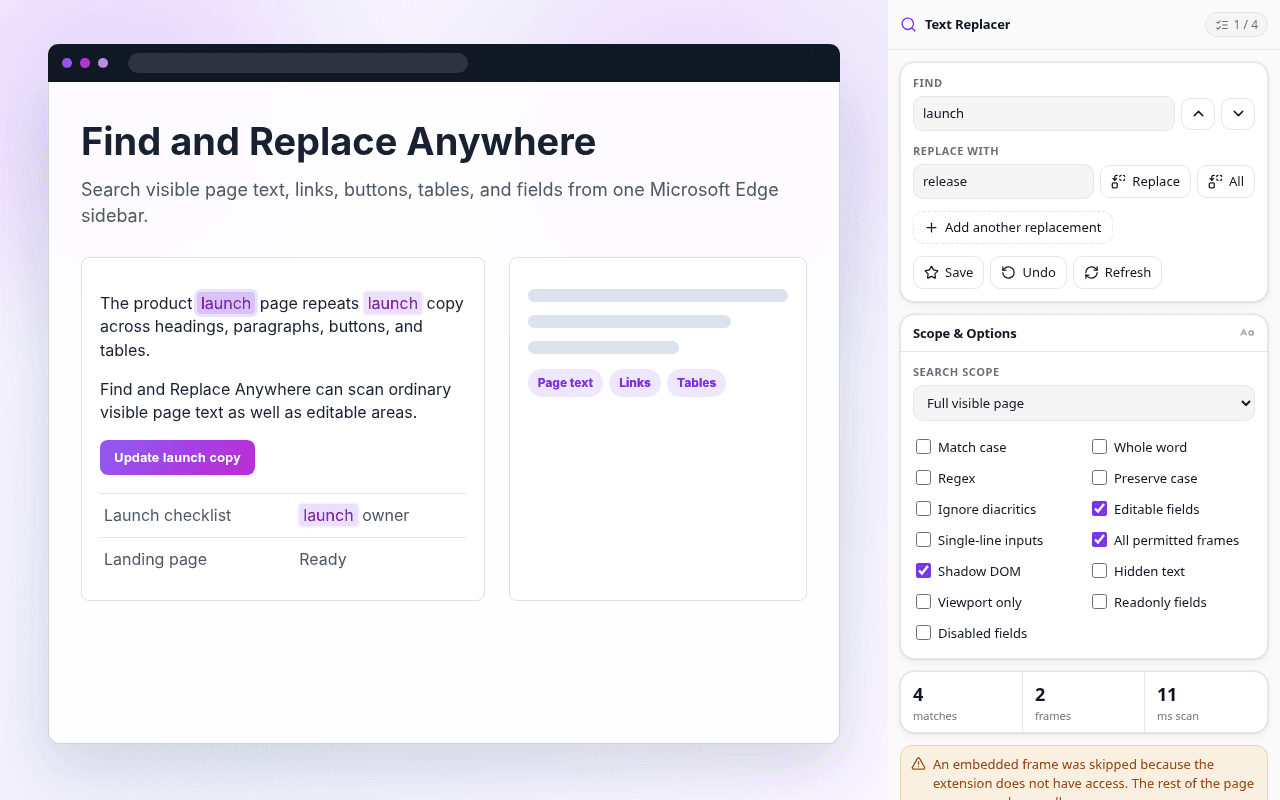
Find text in visible paragraphs, headings, links, buttons, tables, labels, and supported frames.
 Microsoft Edge extension by Textavia
Find and replace text across live web pages, including page copy, forms, editors, permitted frames, and open shadow DOM.
Find text in visible paragraphs, headings, links, buttons, tables, labels, and supported frames.
Use one workflow for inputs, textareas, forms, and supported contenteditable editors.
Review highlighted matches, change the current result, or run several replacement pairs together.
Restore the most recent replacement batch across page text and editable fields.
Find and Replace Anywhere
Ordinary page text and editable fields appear in one result list with highlights in context.

Find and Replace Anywhere
Textareas, inputs, forms, and supported rich-text areas stay in the same sidebar workflow.

Find and Replace Anywhere
Use match case, whole word, regular expressions, preserve case, and diacritic-insensitive search.
Page text, form values, searches, replacements, URLs, saved items, and preferences are not sent to Textavia. The extension has no account, analytics, advertising, or remote code.
Read the extension privacy details