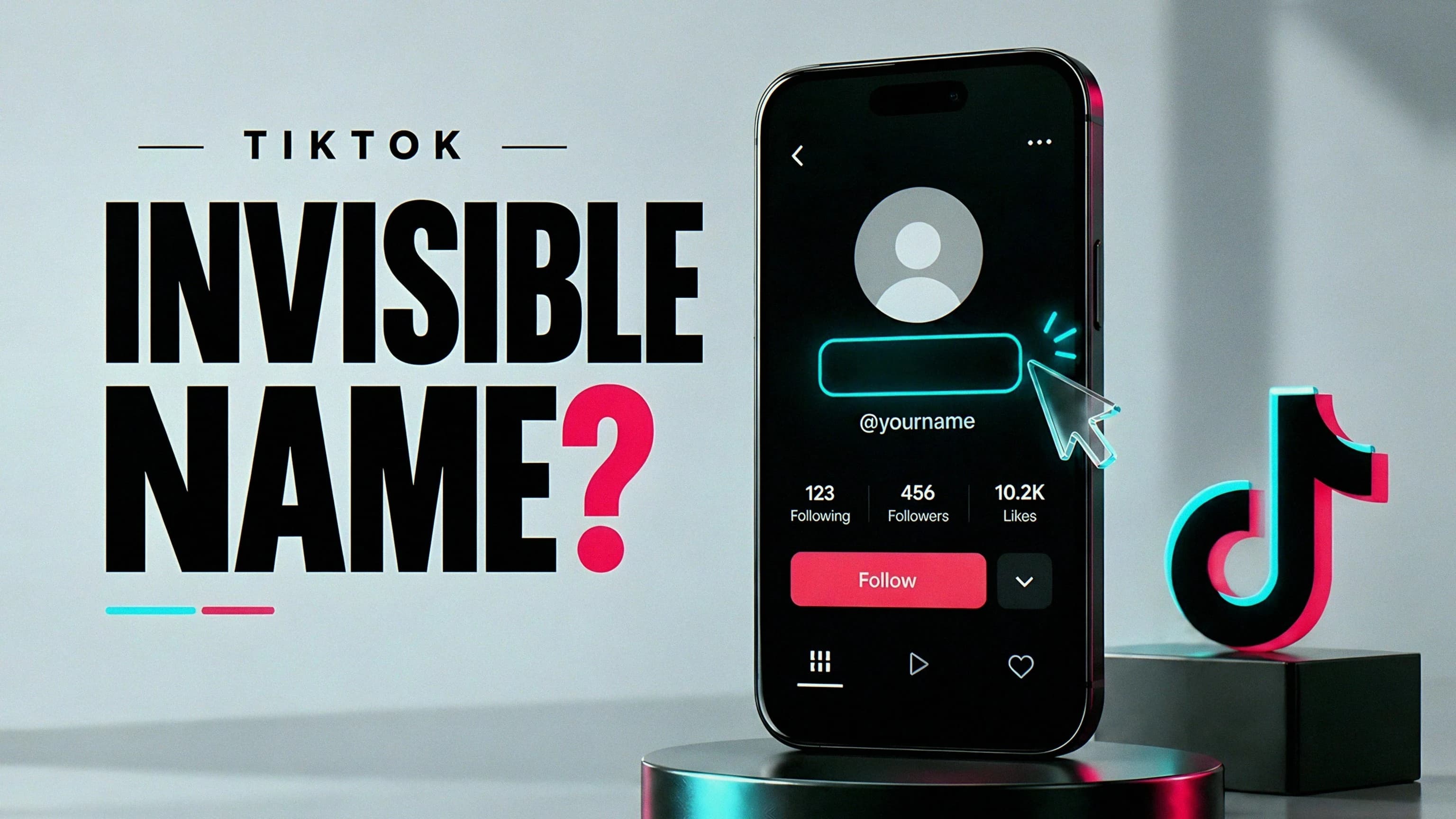
Sure, you can paste a mysterious blank character into your TikTok name field and vanish into the void… but should you?
Here's what an "invisible TikTok name" actually is: a blank-looking display name, usually attempted by pasting a special Unicode character into the Name field. It is not an empty account, not an invisible profile, and definitely not a way to delete your @username. (Sorry, secret agents.)
And there's a catch — a catch that shows up before the copy button: TikTok does not promise that blank-looking characters will be accepted, and once you save a nickname change, you could be stuck waiting a while before you can change it again. So please, do not casually experiment on an account whose recognizable name matters to customers or collaborators. That is how you end up explaining to a client why you're now called "⠀."
You can prep a candidate character with Invisible Text. In this guide I'll walk you through what these characters actually are, what to check before saving, and when a short visible name is honestly the better call. This is a cautious procedure, not a claim that we changed an account and proved universal compatibility — so take all of this with a grain of salt.
Display name and username are different fields
First things first, because this trips people up constantly. TikTok calls your display name a nickname. That's the identity people see in places like comments and messages. Your username is the @handle — and it forms part of your profile link.
| Field | Example | What this guide recommends |
|---|---|---|
| Name or nickname | Evening Studio | The only field for this experiment |
| Username | @eveningstudio | Keep it recognizable and unchanged |
| Bio | Short films after sunset | Use readable text; test spacing separately |
According to TikTok's nickname instructions, nicknames can contain up to 30 characters and can only be changed once every seven days. They also still have to comply with Community Guidelines. Invisible doesn't mean exempt!
The username rules are a whole different beast: letters, numbers, underscores, and periods are permitted, with no period at the end. Username changes come with a separate 30-day restriction and change your profile link.
That's why "paste this blank into your username" is terrible advice floating around the internet. It confuses two fields, two restrictions, and two very different consequences. Do not mess with your handle to troubleshoot a nickname issue. That's like repainting your house because a lightbulb burned out.
Which invisible characters are candidates?
Two characters get suggested constantly: Hangul Filler (U+3164) and Braille Pattern Blank (U+2800). They can look totally empty while still being actual characters sitting in the field. Sneaky!
| Candidate | What it is | What it does not establish |
|---|---|---|
| Hangul Filler | A Unicode character used with Hangul | That TikTok must accept it as a nickname |
| Braille Pattern Blank | A blank Braille pattern | That it has zero width on every screen |
| Ordinary space | Standard word spacing | That a required name field considers it a name |
Unicode's Braille chart explicitly distinguishes the blank pattern from an ordinary space, and the Hangul chart lists Hangul Filler separately. That distinction explains why a generic whitespace filter might treat them differently — but it does not tell us what TikTok's current validation will do. Unicode defines the characters; TikTok decides the rules. Different bosses.
Avoid mystery "blank" strings whose contents nobody can identify. In particular, U+FFFC is literally named OBJECT REPLACEMENT CHARACTER — not a dedicated invisible-name character. If a page displays it as empty, that is not enough reason to expect an empty result in an app.
Also, resist the urge to stack a bunch of different invisible characters together like some kind of invisibility lasagna. If it fails, you won't know which character caused the failure. If it succeeds, you've made your name unnecessarily hard to inspect and maintain. Lose-lose.
Before you save: a small go/no-go check
Before you even touch the Name field, ask yourself three questions:
- Can this account tolerate a blank-looking name for at least seven days? If not, stop right here.
- Will people still recognize the handle and avatar? If not, use a short visible nickname instead.
- Do you have a copy of the existing nickname saved? Keep it in a private note so restoring it doesn't depend on your memory at 1 a.m. (Ask me how I know that memory is not a backup system. Actually, don't.)
Worth saying out loud: a blank-looking name can be genuinely confusing for people using voice input, assistive technology, or a crowded message inbox. The visual effect is not automatically a usability improvement — sometimes it's just… confusing.
And if you're a creator, a shop, or a community moderator? A restrained visible name is usually more useful. You can absolutely get that minimal aesthetic with a short word, rather than deleting the easiest label people use to identify you.
Step-by-step: try a blank-looking display name
Okay, you've weighed the trade-offs and you still want to do this. Let's DO THIS — carefully:
- Open Invisible Text.
- Select Hangul Filler or Braille Pattern Blank, set the count to 1, and copy it.
- In TikTok, open Profile, then Edit profile, then Name. Double-check that you are not editing Username. (Seriously. Check.)
- Copy your existing visible name somewhere safe, then clear the Name field.
- Paste the single candidate and examine the preview and any validation message.
- Save only if you're comfortable keeping the result until TikTok permits another change.
- Close the editor and inspect the saved profile — don't just trust the input preview.
If the app rejects the value, stop and actually read the error. A recent name change, a disallowed value, and a temporary connection problem all require different responses. Don't assume every rejection means "add more blanks." More blanks is rarely the answer to anything.
If the message specifically indicates a length issue, two copies are a possible experiment — not a verified fix. They may still be rejected, and more characters can introduce more visible width. Repeatedly saving alternatives is especially unhelpful when a successful save starts a cooldown.
One more thing, and I mean it: do not use modified apps, browser scripts, or hand your account credentials to a third-party "name unlocker." A cosmetic experiment does not justify handing over access to your account. No aesthetic is worth that.
Verify what other people actually see
A saved profile that looks blank to you is one observation. One! Ask a trusted person to check the profile and, where appropriate, an existing comment or message. They do not need your password. (Nobody needs your password. See above.)
Use a simple record so you're not relying on vibes:
Character attempted: U+3164 or U+2800
Date saved:
Profile appearance:
Comment/message appearance:
Other device checked:
Earliest permitted name change shown by the app:
Don't publish private messages or account details just to document the test. The whole point is to distinguish a saved value from a local preview — and to notice a visible box, fallback label, or unexpected spacing.
If different surfaces show different results, the honest conclusion is "inconsistent," not "works everywhere." A platform update can also change an earlier result overnight. Keep a visible backup name ready instead of treating one success as permanent support.
What about blank lines in the bio?
Ah yes, the sequel nobody asked for. Bio spacing is a separate problem. Start with ordinary line breaks and readable text. If a blank line disappears, you can consider a single identified filler on that line — but nickname acceptance does not establish bio acceptance. Different field, different rules, again.
The intended structure would be:
Short films after sunset
[one blank character on this line]
New project every Friday
That bracketed instruction is explanatory — not text to paste into your bio. Use the actual character from the tool if you choose to experiment.
Keep essential information, including contact instructions, visible. Hidden characters are not a privacy mechanism, and they should not separate letters inside a searchable brand name. For most short bios, two ordinary consecutive lines are clearer than a giant empty gap anyway.
Reversing the change and avoiding misleading uses
Changed your mind? It happens. To restore a readable name, go back to Edit profile → Name, remove the entire blank-looking value, and paste your saved nickname once TikTok allows another change. Do not promise yourself an immediate undo — the seven-day restriction is exactly why you decide carefully before saving.
And let's be clear: this is not anonymity. Your handle, content, avatar, and previous interactions can still identify the account. Don't use blank-looking text to imitate someone, obscure a disclosure, or make moderation harder. A cosmetic character is not an exemption from platform rules.
Quick answers
For named blank characters, consult Invisible Characters. If a blank name fails, choose a readable alternative from Symbols Copy and Paste rather than adding more hidden characters. The Instagram caption spacing guide covers a separate use of blanks, and Instagram bio ideas offers short profile-copy ideas you can adapt without hiding the name.
Will the name look blank everywhere? No guarantee. Font rendering, validation, and different TikTok surfaces can produce different results. Blank on your phone, mystery box on someone else's — that's life.
Can I use a visible symbol instead? You can try a permitted symbol in the nickname field, but a short readable word is easier to recognize and easier to say out loud. Handle rules remain separate.
Will it improve discovery? There's no ranking benefit established here. Losing a readable nickname may make human recognition harder — keep a recognizable handle if discoverability matters to you.
Where should I get the character? Use Invisible Text to choose one named character and copy a count of one. Prepare it first, understand the cooldown, and treat TikTok's actual saved result as the deciding check.
TL;DR: An invisible TikTok name means pasting a blank-looking Unicode character into your nickname (not your username), TikTok might not accept it, and a successful save locks you in for seven days. So don't take my word for it — try it on an account you can afford to experiment with, check the saved result from another device, and learn from what you see.