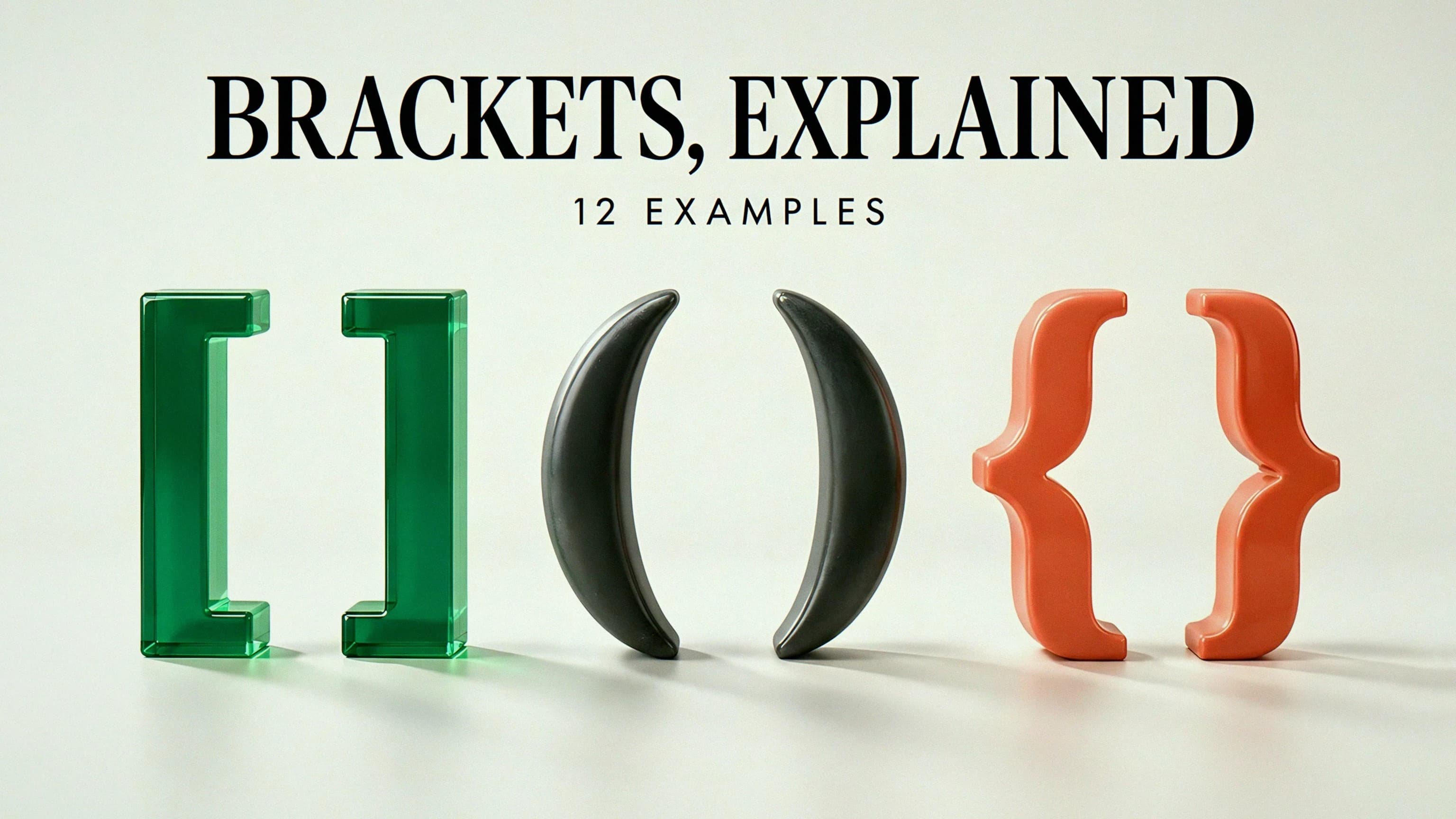
Quick confession: I once spent an embarrassingly long time arguing with a friend about whether [ was called a brace or a bracket. (I was wrong. It was humbling. We're still friends.)
If you mean the punctuation marks [ and ], the usual term is square brackets, not square braces. Parentheses are ( and ), while curly braces are { and }. Sure, "square brace" can also describe a physical construction support — but you're here about text, mathematics, and code, so that's what this guide covers.
Here's the catch: the shape alone does not tell you the job. Square brackets can include an endpoint in mathematics, select an array element in JavaScript, or mark an editor's insertion in a quotation. Apply one of those rules everywhere and — surprise! — mistakes happen.
So let's do what I always do when punctuation gets spicy: make a chart and work through real examples. Below is a quick terminology map followed by 12 worked examples. Use Math Symbols for mathematical notation and Bracket Symbols when you need to compare shapes. For code, stick to the exact punctuation the language expects.
Let's DO THIS.
The four shapes at a glance
| Shape | Common name | Typical uses, depending on context |
|---|---|---|
( ) | Parentheses, round brackets | Asides, function calls, grouping, open interval endpoints |
[ ] | Square brackets | Editorial additions, array access, closed interval endpoints |
{ } | Braces, curly brackets | Sets, JavaScript object literals, code blocks |
⟨ ⟩ | Angle brackets | Specialized mathematical notation |
Wait, it gets weirder: the same word means different things in different places. In US English, "brackets" often means square brackets. In UK usage, the word can be broader and may refer to round brackets. So say square, round, or curly when the distinction matters. The Australian Government's style guidance likewise distinguishes parentheses from square brackets by their editorial use.
One more trap: do not confuse mathematical angle brackets ⟨ ⟩ with the less-than and greater-than signs < >. They may look related, but they are different characters. A mathematical symbol page is not a substitute for knowing which character a programming language requires.
Math: which endpoints belong to the interval?
Time for the part that trips everyone up. In the interval notation used here, a square bracket includes the endpoint beside it, and a parenthesis excludes it. Read each end independently. OpenStax's domain and range explanation uses this distinction to describe sets of real numbers.
The useful visual cue is square means "or equal to" at that endpoint. It is not a general rule that a square bracket always means a less-than-or-equal sign; the direction depends on which side of the interval you are reading.
Example 1: a closed interval
[2, 5] means 2 ≤ x ≤ 5.
Both 2 and 5 are included. On a number line, mark each endpoint with a filled dot and shade the segment between them. The interval includes all real numbers in that segment — not just the whole numbers 2, 3, 4, and 5.
Example 2: an open interval
(2, 5) means 2 < x < 5.
Neither endpoint is included. The values 2.1 and 4.99 belong to it; 2 and 5 do not. Use open endpoint circles on a number line. And yes, in another context the same written pair could be coordinates — so read the surrounding explanation.
Example 3: a mixed interval
[2, 5) means 2 ≤ x < 5.
Yes, this is intentionally a square bracket on one side and a parenthesis on the other. Does it look like a typo? Sure does. But the two different shapes are not a mismatched-punctuation error. Include 2, exclude 5. A membership test should therefore accept 2 and reject 5.
Example 4: an unbounded interval
(-∞, 5] means x ≤ 5.
The parenthesis beside negative infinity does not exclude an ordinary endpoint. Why? Because infinity is not a real number you can include as an endpoint. OpenStax's inequality guide uses parentheses at infinity and brackets or parentheses at finite endpoints as appropriate.
Programming: read the language, not just the shape
Programming languages reuse punctuation for different purposes. (Because apparently punctuation wasn't confusing enough already.) The next four examples are specifically JavaScript, so they should not be treated as a universal syntax chart for Python, JSON, or every other language.
Example 5: square brackets create an array
const scores = [8, 13, 21];
console.log(scores.length); // 3
Here the brackets surround an array literal. They are not mathematical interval notation: this array contains three listed values, not every real number between 8 and 21. MDN's Array reference describes JavaScript arrays and their indexing behavior.
Example 6: square brackets select an element
const scores = [8, 13, 21];
console.log(scores[0]); // 8
The expression after the array name accesses an element. JavaScript array indexing starts at zero, so index 0 selects the first item. (Yes, zero. Yes, it feels weird at first.) Replacing these brackets with parentheses does not mean the same thing: it changes the syntax toward a function call.
Example 7: curly braces define an object literal
const player = { name: "Mira", score: 13 };
console.log(player.score); // 13
In this assignment, the braces surround property definitions. In other JavaScript positions, braces can mark a block of statements. MDN's object initializer reference explains the object-literal form. And do not call this exact snippet JSON: JSON requires quoted property names and does not include a const declaration.
Example 8: parentheses call a function
function double(value) {
  return value * 2;
}
console.log(double(6)); // 12
The parentheses after double contain the argument. The braces around the function body group statements. This single snippet shows why "braces contain data; parentheses contain math" is too simplistic to be a useful coding rule. Nice try, though.
Excel, writing, and sets
The last four examples show why context remains important even outside ordinary programming. A named table column, an aside, a changed quotation, and a mathematical set all need different interpretations. Same shapes! Different jobs!
Example 9: an Excel table column
=SUM(Table1[Sales])
If an Excel table is named Table1 and has a column named Sales, this sums that column's data. Table1[Sales] is a structured reference, not an array index. The surrounding parentheses belong to the SUM function. Microsoft's structured-reference guide explains the table and column naming rules.
Example 10: an aside in prose
"The workshop starts on Friday (registration closes Thursday)."
The parenthetical detail adds information while leaving the main sentence understandable on its own. Remove the aside and the sentence still says, "The workshop starts on Friday." (As the author of many parenthetical asides, I feel personally called out by this next part.) If the added material carries the central point, consider making it its own sentence instead of hiding it inside punctuation.
Example 11: an editorial clarification in a quotation
Original invented sentence: "She approved the final draft."
Edited quotation: "She [the project editor] approved the final draft."
The square brackets signal words added by the person quoting, not words present in the original. Only make an insertion that accurately reflects the source. The MLA's guidance on bracketed changes also recommends considering a clearer introduction outside the quotation when additions would become distracting.
Example 12: a set of specific values
{2, 5, 8} names a set containing three values.
It is not the same as [2, 8], which, in real-number interval notation, includes every real number from 2 through 8. The number 3 belongs to that interval but not to the listed set. Curly braces here describe membership, not a JavaScript object.
Common mistakes to catch before you copy
I have personally walked face-first into at least two of these. Learn from my pain.
Applying the interval rule to everything. The brackets in scores[0] do not mean "include zero as an endpoint." They belong to an expression in a particular programming language.
Fixing valid mixed intervals. Changing [2, 5) to [2, 5] because the symbols look inconsistent changes the mathematical meaning. Check intent before making the shapes match.
Using decorative lookalikes in code. Fullwidth or ornamental brackets can resemble ordinary punctuation while being different Unicode characters. Copy source code from its code block, not from a decorative symbol collection.
Losing track of nested punctuation. In code, use editor highlighting and the language's parser. In prose, rewrite a deeply nested aside when a separate sentence would be easier. Visual symmetry alone does not establish correctness.
How to type the right marks
When checking JSON, use the JSON Formatter to inspect the structure. The guide to comments outside JSON brackets explains why moving a comment beyond a closing bracket does not make it valid JSON.
On a common US English keyboard, [ and ] have dedicated keys near P; Shift on those keys produces { and }. Shift with 9 and 0 produces parentheses. Other keyboard layouts differ, so check the active layout rather than assuming those positions are universal.
On a phone, open the punctuation or symbols keyboard; a second symbols page may contain square or curly brackets. Long-press behavior varies by keyboard, so it is not a dependable universal shortcut.
Use Math Symbols for ≤, ≥, and ∞, and Special Characters when composing ordinary text. When writing code or a spreadsheet formula, confirm the copied character is the plain punctuation the parser expects.
TL;DR: The right question is not just "which bracket looks correct?" but "what does this bracket mean here?" So don't take any single rule and run with it. Check the context — math, code, or prose — figure out which rules apply, and you'll never lose an argument about braces again. (You will still lose other arguments. I cannot help you there.)
Related: Browse more developer and data guides.