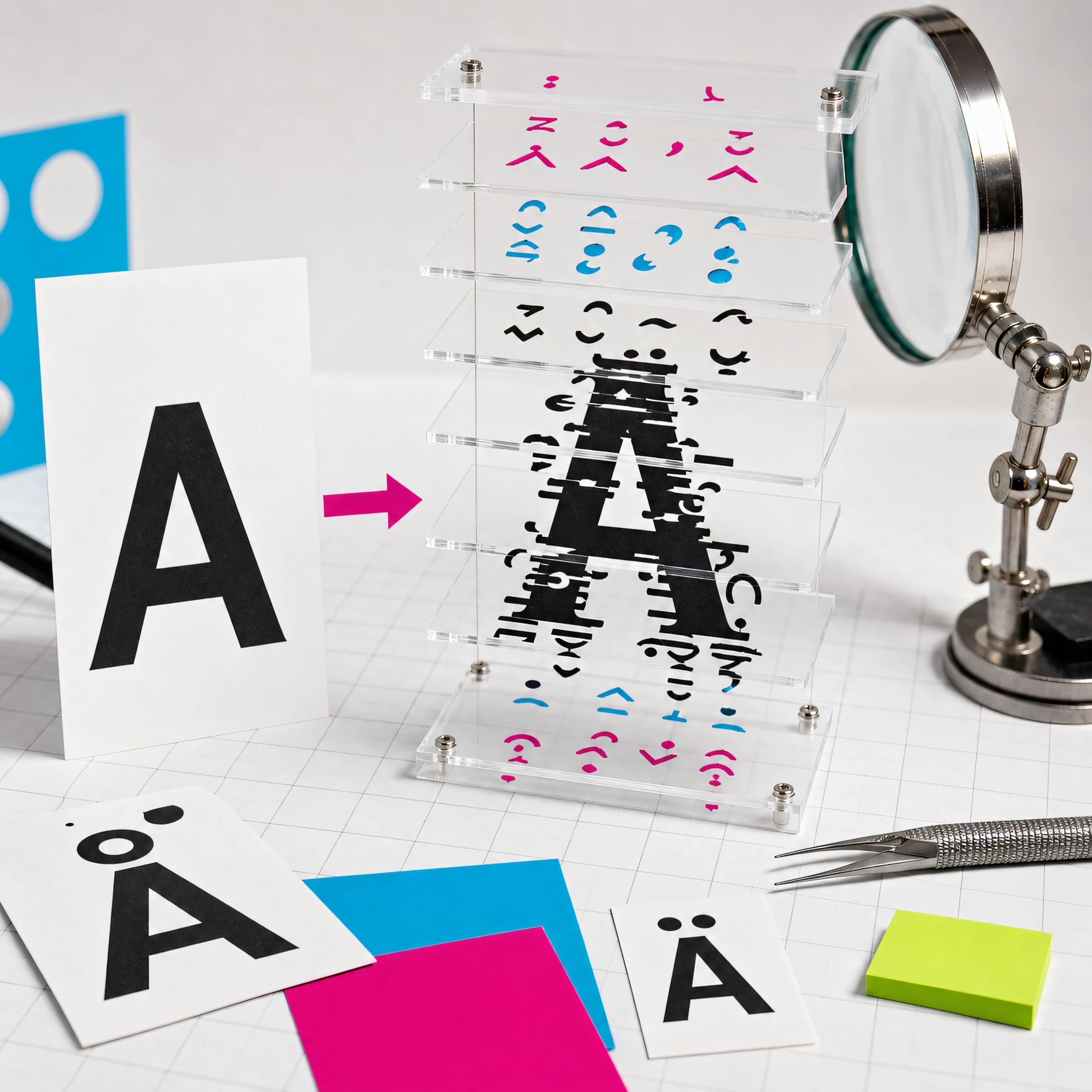
The answer to what is Zalgo text sits inside Ẓ̶̍, one ordinary Z followed by three Unicode combining marks.
Those marks were designed for accents and other writing-system features. Zalgo text stacks far more than a word normally needs, producing the tall, scratched, “cursed text” effect. It consists of real Unicode characters, so it survives copy and paste when the destination keeps them.
Try a short phrase in the Zalgo text generator. Start on low intensity. Meaningful text should remain available in plain form beside it.
12 Zalgo text examples
These examples move from a small disturbance to dense stacks. Rendering varies by font and app, which is part of the effect and also its main limitation.
| Style | Plain text | Zalgo output | Where it can work |
|---|---|---|---|
| 1. One mark | signal | ṡi̇ġṅȧl̇ | A subtle label |
| 2. Marks above | warning | w̍a̎r̄n̅i̿n̑ğ | Short poster heading |
| 3. Marks below | below | b̖e̗l̘o̙w̜ | Decorative caption |
| 4. Through the middle | offline | o̶f̶f̶l̶i̶n̶e̶ | A crossed, damaged look |
| 5. Light mixed | stay calm | s̖̍ṫ̤ā̱y̩̑ c̬̆ã̰l̥̎m̫̅ | A short fictional alert |
| 6. Medium mixed | lost signal | l͓̓ō̖s̫͒t̬̏ s͙̄i̤̍ğ̖ṉ̅ḁ̎l͎̑ | Glitch-art mockup |
| 7. Heavy word | STATIC | Ṡ̷̯̟T̸̨̩̍Ā̶̡͖T̴̜̳͆Ḭ̸̦͝C̵̪̝̿ | A single dramatic word |
| 8. Punctuation | NO. | N̴̖̎O̶̫̓.̷̥̍ | Stylized title card |
| 9. Number | 404 | 4̶̯̄0̷̬̎4̸̩̍ | Fictional error graphic |
| 10. Parentheses | (echo) | (̷̖e̶̥c̸̬h̴̩o̶̫)̷̰ | Digital-art caption |
| 11. Light sentence | The feed went quiet. | Ṫh̄e̍ f̑e̅e̎ḋ w̄e̍n̑t̆ q̅u̇i̎ēt̑. | One brief line, if tested first |
| 12. Dense cluster | ZALGO | Z̷̨̩̍A̶̢̬͆L̴̜̰͝G̸̡̥̿Ō̵̪̳ | Artwork where plain text appears nearby |
Copying one from this table may produce a slightly different shape on your device. The code points stay the same while the font and shaping engine decide where each glyph lands.
How Zalgo text works
Unicode stores an accented letter in more than one possible way. é may be the single code point U+00E9, or it may be e followed by U+0301 COMBINING ACUTE ACCENT. Correct rendering makes those sequences look equivalent.
Zalgo generators extend that ordinary second pattern. They walk through the input and append randomly chosen marks above, through, or below each base character. A short cluster might be stored like this.
Z       U+005A  LATIN CAPITAL LETTER Z
◌̍      U+030D  COMBINING VERTICAL LINE ABOVE
◌̣      U+0323  COMBINING DOT BELOW
◌̶      U+0336  COMBINING LONG STROKE OVERLAY
The dotted circle in Unicode charts is a display aid. It shows where a mark sits relative to a base, and copied text omits the circle.
Unicode calls a user-perceived character a grapheme cluster. As Unicode Standard Annex #29 explains, one cluster can contain a base plus following combining marks even though the string contains several code points. That is why the cursor, character counter, database, and visible letter may disagree about the length of Zalgo text.
Cursed text symbols under the surface
Most cursed text symbols are combining characters. The familiar set at U+0300 through U+036F includes accents and overlays used by real languages and scholarly notation.
| Code point | Unicode name | Typical position |
|---|---|---|
| U+0300 | Combining Grave Accent | Above |
| U+0307 | Combining Dot Above | Above |
| U+030D | Combining Vertical Line Above | Above |
| U+0323 | Combining Dot Below | Below |
| U+0332 | Combining Low Line | Below |
| U+0336 | Combining Long Stroke Overlay | Through |
| U+034F | Combining Grapheme Joiner | Invisible mark with special text behavior |
| U+035C | Combining Double Breve Below | Below, spanning a pair in suitable typography |
The Unicode names list shows the official names and annotations for this block. Other combining marks live elsewhere, so a filter limited to U+0300–U+036F will miss some of them.
And those marks are legitimate. Treating every combining character as abuse would damage Vietnamese, Arabic, Hebrew, Devanagari, and many more writing systems.
What our generator did in a real run
I ran Look here once through each setting in Textavia's current generator and counted Unicode code points with Array.from(). The nine-code-point input became 27 on low, 42 on medium, and 79 on high.
Low     L͇̍o̹̐õ̬k̎ͅ ̪̇h̼̑ë̝r͎̓e̤͗
Medium  L͓͕͛̆o̘͙̭͛̏o͖̓ͨḱ̳ ̟̰̑h͚̩̎̏e͓̍r̻̻̓ͬȅ͎̰̮̓̌
High    Ľ͚ͯ̊ͩo̗͚ͦọ̣͈̖͊̆͌́ͯ̾͠k͚̙̑́ͫ͒ ̯̿ͬ̑ͣh̸͎̼̝ͬ̓̔̏̐e̗͎͓͍̼͑́̓r̵͉̹̪̣͍̎̍̈̽ͤẻ̵̡̹͔̩̻̠̰ͬ̽̆
The exact output changes on another run because the marks are selected randomly. One implementation detail surprised me during the check. Textavia adds marks after spaces too, so even the gap in Look here carries invisible and visible code points. That matters when pasting into a field with a strict length limit.
Normalization rearranges Zalgo; it may not remove it
Unicode normalization makes canonically equivalent sequences consistent. NFC tends to compose where a precomposed character exists, while NFD decomposes characters into base-plus-mark sequences. Unicode Standard Annex #15 also defines how combining marks are reordered.
In a local JavaScript check, this four-code-point string:
Z + U+030D + U+0323 + U+0336 → Ẓ̶̍
became a three-code-point NFC string rendered as Ẓ̶̍. The dot-below combined with Z, and the remaining marks were reordered. The glitch remained.
So text.normalize("NFC") is useful before comparing or moderating Unicode text. Extra marks can survive the operation.
Why it looks different after pasting
A combining mark has no fixed final drawing of its own. The typeface provides glyphs, and the text-shaping engine positions them around the base. Results change when any part of that stack changes.
- A font lacks a mark and shows a box, a dotted circle, or an awkward fallback glyph.
- Line-height is tight, so marks are clipped above or below the row.
- An app normalizes, filters, truncates, or rejects the sequence.
- A notification preview uses a different font from the full message.
- Canvas and image tools measure a line box that does not match the visible overhang.
- Heavy output wraps early because storage limits count bytes or code points rather than visible clusters.
Preview the final text in the actual destination. A browser tab on a laptop is a poor stand-in for a narrow lock-screen notification.
Accessibility needs a plain-text path
Screen-reader handling varies by platform, voice, language, and mark. Some combinations may be ignored, others may alter pronunciation, and dense sequences can make navigation or copying unpredictable. Visual readers face a simpler problem: the letters are crowded.
Keep essential names, instructions, dates, warnings, and calls to action in ordinary text. If a Zalgo heading carries meaning, repeat that meaning in a nearby plain-text label. The goal aligns with WCAG 2.2, which requires content to remain perceivable and understandable across different presentations.
Avoid Zalgo in:
- Account names used for support or identity checks.
- Links, email addresses, coupon codes, and anything someone must type back.
- Emergency information. Plain language belongs there.
- Long passages, form labels, navigation, and error messages.
- Text that must be translated, searched, indexed, or read aloud accurately.
Decorative art has room for it. Operational text usually does not.
Responsible places to use it
Light Zalgo can add texture to a fictional error screen, a glitch-art title, a game prop, or a short seasonal graphic. The effect works better when the words remain legible and the normal version is close by.
I would keep live social text to low intensity. Medium can work for one or two words after a preview. High belongs mainly in artwork where the layout is controlled.
Do not use combining marks to impersonate another account, conceal a harmful message, evade a platform's moderation, or make a link look like something else. It creates trouble for readers and leaves moderators handling a harder string for no constructive reason.
For a cleaner damaged effect, the glitch text converter offers multiple styles. Strikethrough text is easier to read, and the upside-down text generator creates a different visual joke without tall combining stacks.
Moderating and storing Zalgo text
Applications should accept international text without giving an unlimited mark stack free rein. A blanket ban on \p{M} is too blunt because that Unicode category supports normal writing.
A safer processing pipeline keeps the original for display, then creates a separate normalized representation for search and moderation. Measure several things instead of trusting string.length alone.
- Limit total UTF-8 bytes and code points at the input boundary.
- Segment extended grapheme clusters with a Unicode-aware library or
Intl.Segmenterwhere supported. - Track unusually high mark-to-base ratios and cap marks per cluster in fields that have no reason to contain decorated prose.
- Normalize before equality checks and duplicate detection.
- Preserve legitimate language. Review the field's purpose before filtering marks.
- Escape output for its HTML, SQL, log, or terminal context. Unicode normalization does not replace output encoding.
The Unicode Security Considerations report documents rendering and combining-mark concerns, though its landing page notes that newer Unicode security standards supersede parts of that report. Use current Unicode data in production rather than copying a fixed block range from an old snippet.
How to remove Zalgo text carefully
For a disposable, explicitly Latin-only label, JavaScript can decompose the string and remove characters in Unicode's Mark category.
function removeMarksFromLatinLabel(value) {
  return value.normalize("NFD").replace(/\p{M}/gu, "").normalize("NFC");
}
That turns accented letters into unaccented ones too. café becomes cafe, and text in many scripts can be damaged far more seriously. Do not run it over names, messages, or multilingual content as a generic sanitizer.
When the original plain text is available, restoring that source is better. Otherwise, show the cleaned preview and let a person confirm it. Automated removal cannot always know which marks carried language and which were added for decoration.
Fast answers
For a readable alternative without stacked marks, try the Discord Fonts Generator and check the result in the destination app before using it.
Zalgo uses ordinary Unicode. Combining marks are appended to base characters, and the destination's font renders the final shape.
The mechanism is stacking. A generator adds marks above, below, and through letters. Several code points can render as one extended grapheme cluster.
Randomness changes the output. Textavia selects marks randomly within each intensity setting. The base phrase stays the same while the stacks vary.
Platform support varies. Modern apps generally understand Unicode, but fonts, field limits, normalization, sanitizers, and line-height rules can alter or reject the output.
Normalization has limits. NFC or NFD may compose, decompose, and reorder characters. Extra marks can survive. Removing the entire Mark category also removes legitimate diacritics and writing-system signs.
Copying these marks does not execute code. A huge sequence can still strain rendering, overflow layouts, clutter logs, or trip input limits. Copy short samples from a source you trust and inspect the destination.
Low intensity is a sensible starting point. Begin with one short phrase in the Zalgo generator. Keep the readable version close enough that nobody has to decode the decoration.