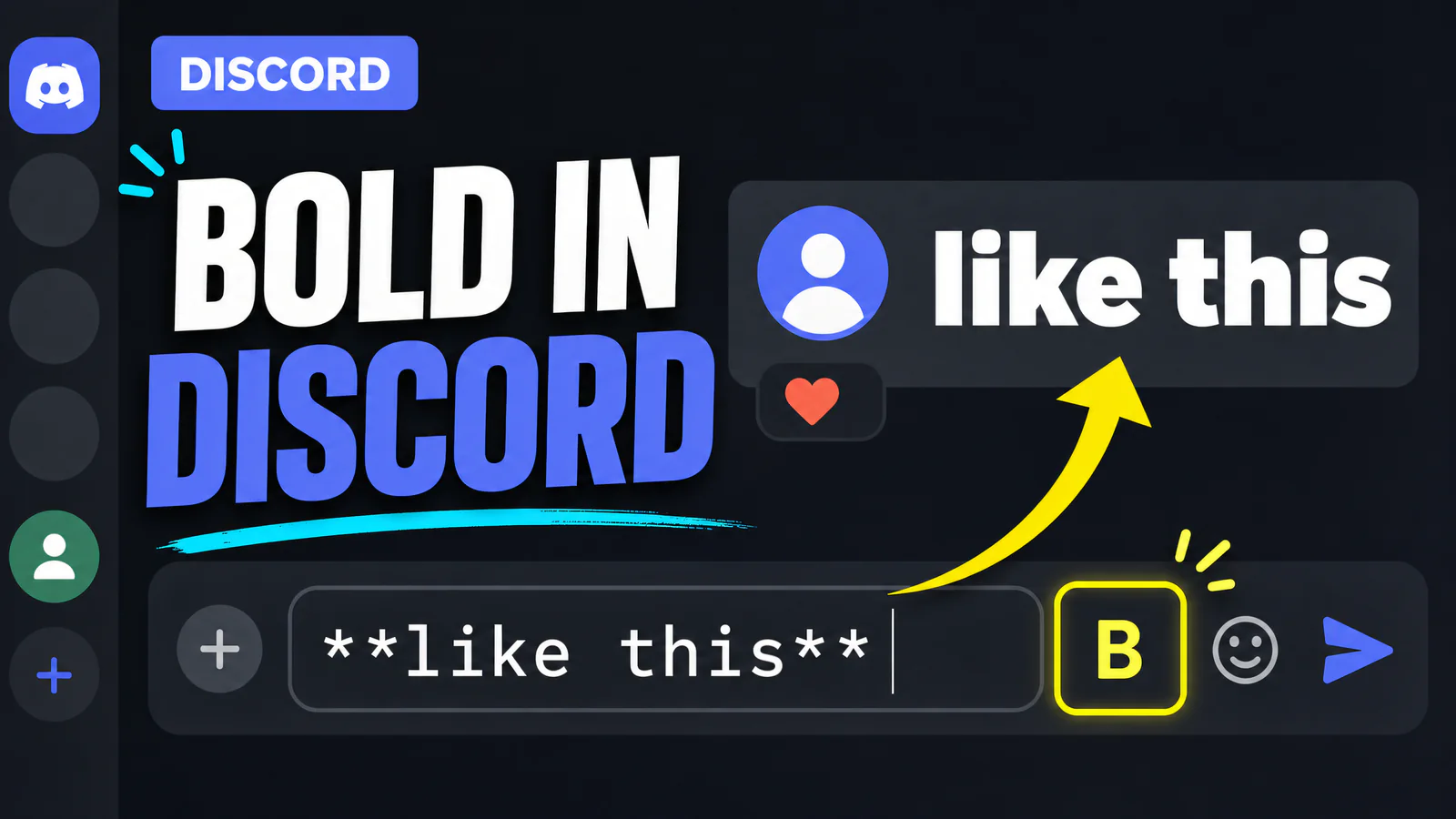
Two asterisks on each side. That's how to bold text in Discord, **like this**, typed straight into the message box, and the moment you hit send it renders as like this.
The asterisks are Markdown, the same lightweight syntax Reddit (see the Reddit version) and Slack lean on, and Discord runs it in every ordinary chat message. Servers, DMs, threads, all the same.
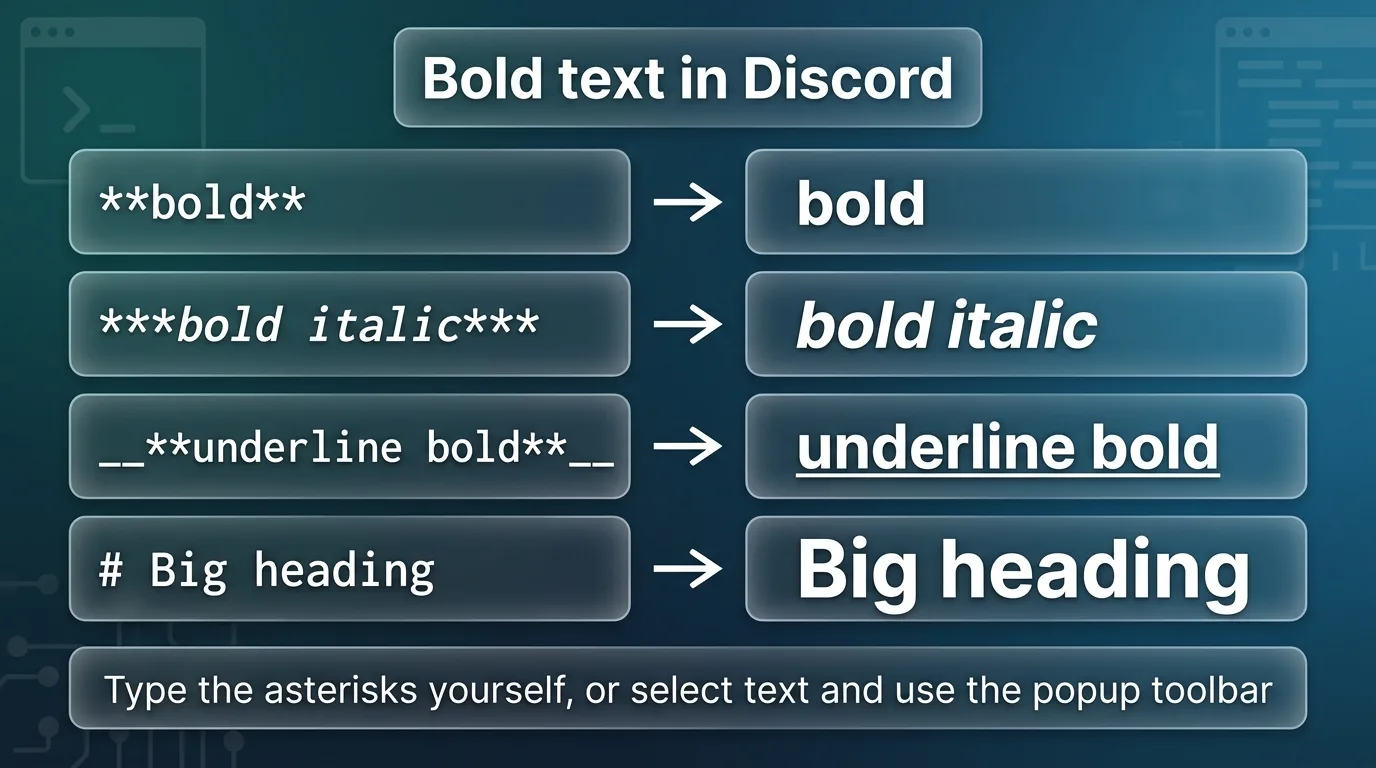
The two-asterisk rule (plus the shortcut nobody uses)
Type **meeting moved to 8** and send. Done.
On desktop there are two faster paths. Select text you've already typed and a small formatting toolbar pops up over the selection with a B button. Or select and press Ctrl+B (Cmd+B on Mac), and Discord wraps the asterisks around the selection for you.
One rule trips people constantly. The asterisks have to hug the text. **bold** works, ** bold ** with spaces inside stays plain asterisks, sitting there in the message looking broken.
Discord's own Markdown Text 101 lists the full marker set if you want the official version.
How to make text bold in Discord on iPhone and Android
Same asterisks, and typing them on a phone keyboard is mildly annoying, so Discord's mobile app added the popup route.
- Type the message. Don't send yet.
- Long-press the words you want bold and adjust the selection handles.
- On the popup menu, tap Bold (behind the arrow or three-dot overflow if it doesn't show directly).
- Send.
The app inserts the asterisks for you, and you'll see them sitting in the input box before sending, which is a decent way to learn the syntax without meaning to.
Bold italic, bold underline, and big bold headings
Markers stack.
***three asterisks***gives bold italic.__**underscores plus asterisks**__gives underlined bold.- All three together,
__***text***__, works too, though at that point the message is mostly punctuation.
Headings are the one people don't know. Start a line with # and the text renders big and bold, ## a size smaller, ### smaller again. The space after the hash is required, and it only works at the start of a line. Server announcements read like an actual document with them.
There's also -# for small gray subtext at the start of a line (the fine-print look), which isn't bold but lives in the same family and is worth knowing exists.
The server I help moderate had its rules pinned as one wall of plain text for two years. Ten minutes of ## headings and bold lead-ins, and the "wait, whats rule 4" questions in mod-mail dropped to nearly none. People genuinely could not find rule 4 before.
When bold isn't working
The asterisks show instead of bold. Spaces inside the markers, almost every time. ** text ** doesn't render.
You typed a literal asterisk and Discord ate it. Markdown grabbed it. Escape with a backslash, \*like so\*, and the asterisk survives as a character.
Bold inside code doesn't render. Correct, and by design. Anything between backticks or inside a code block displays exactly as typed, asterisks included. Formatting and code blocks don't mix.
Bold vanished when someone copied your message. Copying grabs the rendered text without the markers in some clients. The formatting was never part of the characters, it was rendering, and it stays behind.
Bold where Markdown doesn't work
Usernames, server names, channel names, nicknames. None of them render Markdown, and typing asterisks into them gets you asterisks.
What does work there is Unicode bold, characters like 𝗧𝗲𝘅𝘁 that are drawn bold because they're mathematical alphanumeric symbols rather than styled letters. As far as Discord can tell it's ordinary text, so it survives anywhere text is allowed.
Paste your name into the Discord fonts generator, choose a bold style, copy the result, and drop it into the profile field. It also includes script, gothic, and other styles if bold alone is too subtle. Pair the name with a matching profile banner from the Discord banner resizer.
Two cautions from using these a lot. Screen readers handle Unicode bold unpredictably, some spell it out letter by letter, so keep it away from information people need to parse. And a few older fonts lack the glyphs and show empty boxes, so check how it looks on mobile before committing it to a server name everyone sees.
Putting it together in an announcement
Bold earns its keep in structured posts, so here's the shape that works, borrowed from that same rules channel.
# Server Rules
**1. Be kind.** Disagree with ideas, never with people.
**2. No spam.** That includes invite links.
-# Updated March 2026. Questions to #mod-mail.
A # heading, a bold lead-in per point with plain text after it, small subtext for the fine print. Scannable from across the room. The bold lead-ins do the same job headers do in an article, they give a skimming reader somewhere to land. A custom server emoji next to each heading helps too; the Discord emoji resizer gets any picture under Discord's 256 KB limit.
And restraint is part of the trick. When half the message is bold, none of it is, and the one rule you needed people to see drowns with the rest.
Every Discord text format in one table
| You type | You get |
|---|---|
**bold** | bold |
*italic* or _italic_ | italic |
***bold italic*** | bold italic |
__underline__ | underlined text |
~~strikethrough~~ | |
# Heading | big bold heading |
-# subtext | small gray text |
||spoiler|| | hidden until clicked |
`code` | monospace snippet |
FAQs
For other chat styles, Symbols Copy and Paste offers visible separators and the Zalgo text guide explains stacked marks and their readability limits. If you need crossed-out text outside a Markdown message, try the Strikethrough Generator; inside a document, follow the Google Docs strikethrough guide instead.
How do you bolden text in Discord? Same answer, double asterisks around the words. "Bolden" is what half of us type into search anyway, so no shame there.
Can you bold text in a Discord username? Not with Markdown. Use Unicode bold characters instead, they're real text and Discord accepts them in most name fields.
Does bold work in Discord status messages? Custom statuses don't render Markdown either, so its Unicode bold or nothing there.
Why is my bold not showing on someone else's screen? If they see literal asterisks, the message didn't render, check for spaces inside the markers. If they see plain text, they likely copied it out, and the formatting stayed behind with the original message.
What's the keyboard shortcut for bold in Discord? Ctrl+B on Windows and Linux, Cmd+B on Mac, with text selected in the message box. It wraps the asterisks for you, and it works before or after typing the rest of the message.
Can bots and webhooks send bold text? Yes, the same double asterisks work in bot messages and inside embed descriptions and field values. Embed titles style themselves, so markers there just show up as literal asterisks.
Does bold work in forum post titles? No, titles stay plain like usernames do. The post body renders Markdown normally.
Is there a way to bold everything I type automatically? No setting does that, and a channel full of all-bold messages reads like shouting anyway. One bolded line per message is about where emphasis stops working, at least for most people.